
Losing access to an online account can be a genuinely stressful experience, particularly when that account holds personal information, active adverts, and ongoing conversations with potential buyers or sellers. For users of the popular French classified ads platform, knowing how to navigate the recovery process efficiently can save a great deal of time and frustration. This guide walks you through the most reliable steps to regain control of your account whilst also helping you strengthen your security going forward.
In brief
- Leboncoin may restrict or suspend accounts due to policy violations, such as misleading listings, or as a precautionary measure against suspicious activity.
- The primary method to recover a restricted account is to use the password reset function via the login page to regain access securely.
- If email recovery fails, users should contact Leboncoin’s customer support to undergo an identity verification process by confirming personal details.
- Users should create strong, unique passwords that avoid personal information like dates of birth or phone numbers to prevent unauthorized access.
- Maintaining up-to-date contact information and recovery email addresses is essential for simplifying future account restoration processes.
- Protecting accounts from phishing involves scrutinizing sender addresses and avoiding clicking links in suspicious messages that request login credentials.
Understanding the Reasons Behind a Blocked Leboncoin Account
Common security measures and policy violations
There are several reasons why access to a leboncoin account may be restricted or suspended. The platform enforces a strict confidentiality policy designed to protect both buyers and sellers, and any behaviour that falls outside its terms of service can trigger an automatic block. This includes posting ads that violate community guidelines, using misleading information in a listing, or engaging in conduct that raises flags within the platform’s automated monitoring systems. Understanding these reasons is the first step towards resolving the situation calmly and methodically.
Policy violations can range from relatively minor infractions — such as placing an ad in the wrong category — to more serious breaches involving fraudulent credentials or misuse of the messaging service. When the platform detects such activity, it may temporarily restrict your ability to send messages, publish new ads, or even log in altogether. In some cases, the block is purely precautionary and can be lifted once your identity has been verified through the appropriate channels.

Recognising suspicious activity on your profile
One of the more common triggers for an account suspension is the detection of suspicious activity that the system associates with unauthorised access. If someone attempts to log in using your email address from an unfamiliar device or location, the platform may lock the account as a protective measure. You might also notice unusual messages sent from your profile, ads published without your knowledge, or changes to your personal data — all of which are strong indicators that your account has been compromised. Keeping a close eye on the activity associated with your profile is therefore essential for catching problems early.
Step-by-Step Guide to the Account Recovery Process
Resetting your credentials via email link
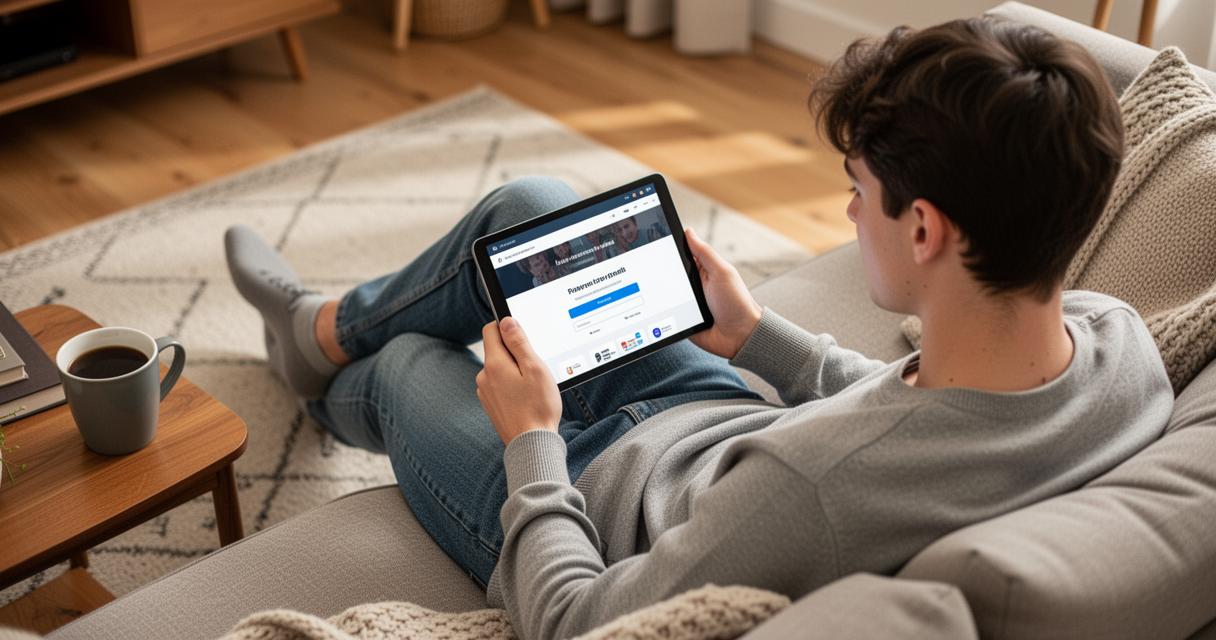
The most straightforward method for recovering access is to use the password reset function available on the login page. By clicking the relevant link and entering the email address associated with your account, you will receive a recovery message in your inbox. This email contains a secure link that allows you to create new credentials. It is worth checking your spam or junk folder if the message does not appear promptly, as automated emails from platforms such as this one are sometimes filtered incorrectly.
When creating a new password, it is important to think carefully about its composition. A strong password should combine uppercase letters, lowercase letters, and digits, and it should not be a sequence that could easily be guessed. Avoid using your date of birth, your phone number, or any other piece of personal information that might be publicly visible. The longer and more varied your password, the more difficult it becomes for any unauthorised party to gain access to your account through guesswork or automated attacks.
Contacting customer assistance and verifying your identity
Should the standard email reset process fail — perhaps because you no longer have access to the email address linked to your account — your next course of action is to contact customer assistance directly. The platform’s support service can guide you through an identity verification process, which typically involves confirming certain personal details such as your name, your phone number, and the date of birth registered on the account. Providing accurate information at this stage is crucial, as the team will use these details to confirm that you are the legitimate account holder.
When you consult the help section or reach out to the client support team, be prepared to describe the issue clearly and concisely. Mention when you last had access, whether you have noticed any unusual activity, and what steps you have already taken. The more context you provide, the more efficiently the service can assist you. In some instances, you may also be asked to verify ownership of the phone number or email address associated with the account, so having access to these contact points will considerably speed up the process.
Essential security measures to safeguard your personal data
Creating Strong Passwords with Letters and Digits
Once you have successfully recovered your account, it is wise to take a moment to review your overall approach to digital security. Beyond choosing a robust password, consider updating your recovery email address and ensuring that your phone number on file is current and accessible. These details serve as vital lifelines should you ever need to recover access again in the future. Clients who keep their contact information up to date tend to experience far smoother recovery processes than those who do not.
It is also advisable to avoid reusing passwords across multiple platforms. If the credentials you use for your classified ads account are the same ones you rely on for your social media profiles or your email service, a single breach elsewhere could leave all of your accounts vulnerable. Using a unique, complex password for each service is one of the simplest and most effective ways to protect your personal information online.
Protecting Your Phone Number and Email Address from Phishing
Phishing remains one of the most prevalent threats facing online users today. Fraudsters will often send messages that appear to originate from a legitimate platform, asking you to click a link and enter your credentials on a page designed to mimic the real service. These communications can arrive via email or even through the platform’s own internal messaging system, making them difficult to identify at first glance. Always scrutinise the sender’s address carefully, and never click on a link requesting your login data unless you are absolutely certain of its origin.
Protecting your phone number and email address from phishing attempts requires a degree of vigilance. If you ever receive an unexpected message claiming that there is an issue with your account and asking you to act immediately, take a moment to pause and verify. Navigate directly to the platform by typing the address into your browser rather than following any link provided in the message. This simple habit significantly reduces the risk of falling victim to a social engineering attack. Ultimately, the combination of strong credentials, up-to-date contact information, and an awareness of common online threats will give you the best possible foundation for keeping your account and your personal data secure.