
In an era where digital threats evolve at a rapid pace, protecting your personal data and devices has never been more pressing. Whether you are working from home, browsing on your smartphone, or managing sensitive files in the cloud, understanding the risks and knowing how to respond is essential. Fortunately, practical steps exist that any user can adopt to bolster their defences and navigate the online world with greater confidence.
What to know
- Cybersecurity risks are increasing due to evolving threats like phishing, ransomware, and identity theft that exploit both software vulnerabilities and human error.
- The rise of remote work and cloud storage has expanded the attack surface, making it easier for cybercriminals to gain unauthorized access to sensitive data.
- Physical device security is critical; users should never leave devices unattended in public and should use auto-lock features to prevent unauthorized access.
- Strong, unique passwords managed by a secure password manager and the use of multi-factor authentication are essential defenses for protecting online accounts.
- Regularly updating software and patching vulnerabilities is one of the most effective ways to prevent malware infections and data breaches.
- Using a VPN and avoiding unsecured public Wi-Fi or unknown USB devices helps protect data traffic from interception and malicious software.
- Maintaining regular cloud backups and adopting a zero-trust mindset are proactive strategies to ensure data availability and security in case of a compromise.
Understanding the Threats Lurking in the Digital World
Staying safe online begins with recognising the landscape of threats that exist today. Resources such as those found at dailytechgrid.com highlight that cybersecurity news covers a broad range of concerns, from protecting personal data and devices through to securing online accounts — all of which reflect the complexity of the modern threat environment.
Common cyber threats that put your personal data at risk
The digital world harbours a variety of dangers, and phishing attacks remain among the most prevalent. These deceptive schemes trick users into revealing login credentials or financial details by masquerading as legitimate communications. Other threats can also disrupt individuals and organisations. New threats continue to emerge, while unpatched vulnerabilities can leave systems exposed to data breaches.
Data breaches carry enormous consequences, both financial and reputational. Remote working and the widespread adoption of cloud storage have further broadened the attack surface, creating new entry points for cybercriminals to exploit. Attacks can originate from external agents, while insider threats remain a concern as well.
How cybercriminals target everyday devices and users
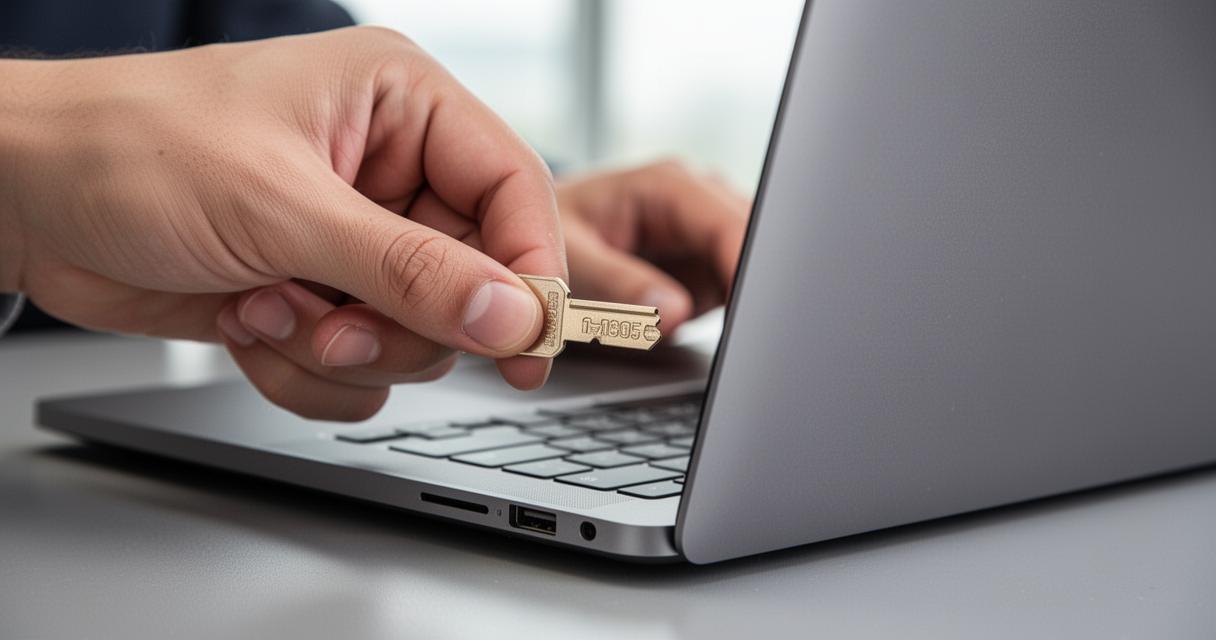
Attackers do not solely rely on sophisticated software exploits. Physical access to a device can be just as damaging — a threat actor who gains physical entry to your laptop or phone can install malware, copy sensitive files, or completely compromise your accounts. Public spaces such as coffee shops, hotel lobbies, and shared offices present particular risks, as leaving a device unattended even momentarily can have serious consequences.
Similarly, public Wi-Fi risks are often underestimated. Open networks make it straightforward for malicious parties to intercept data transmitted between your device and the internet. Unsecured USB charging stations in airports or shopping centres carry their own dangers, potentially enabling unauthorised data transfer if a data blocker is not used.
Practical steps to strengthen your digital security

Building Solid Habits to Safeguard Your Devices and Accounts
Good cybersecurity best practices are less about complex technology and more about consistent, mindful behaviour. One of the most impactful habits is the use of strong, unique passwords for every account. A reliable password manager can generate and store these credentials securely, removing the temptation to reuse simple passwords across multiple services. Passwords should be sufficiently long and combine letters, numbers, and symbols to resist brute-force attempts.
Enabling two-factor authentication or multi-factor authentication on important accounts adds a critical second layer of verification, making it considerably harder for an attacker to gain access even if a password is compromised. It is equally wise to be cautious with links received via email or messaging apps — scanning suspicious URLs before clicking can prevent a great deal of harm. Double-checking the recipient and content before sending sensitive information is another simple yet effective safeguard.
From a physical standpoint, physical security controls matter just as much as digital ones. Always lock your devices when stepping away, and configure them to auto-lock after a short period of inactivity. Never leave devices unattended in public, and be mindful of shoulder surfers who may attempt to view your screen. A privacy screen filter offers added protection in crowded environments.
Essential Tools and Settings to Keep Your Data Well Protected
Keeping software up to date is one of the most effective forms of malware prevention available. Software patch management ensures that known vulnerabilities are closed before they can be exploited, and the rapid deployment of updates is widely recognised as a cornerstone of sound data protection strategies. Alongside updates, conducting regular vulnerability assessments helps identify weaknesses before attackers can take advantage of them.
For those who frequently connect to networks outside the home, a secure internet connection is vital. Using a VPN encrypts your internet traffic and conceals your IP address, reducing exposure on untrusted networks. At home, securing your Wi-Fi router and storing important documents containing security information in a safe location are steps that reinforce your broader defences.
Cloud data backup is another practice worth adopting. Regularly backing up your devices and files means that, should a device be lost, stolen, or compromised, you retain access to your data. Having a plan to perform a remote factory reset on a lost device can also limit the damage significantly. Equally, never insert unknown USB drives or media storage devices into your computer, and avoid disposing of old devices without following proper data destruction protocols. Adopting a zero-trust architecture mindset — trusting nothing by default and verifying everything — underpins a truly robust approach to online account security in today’s environment.